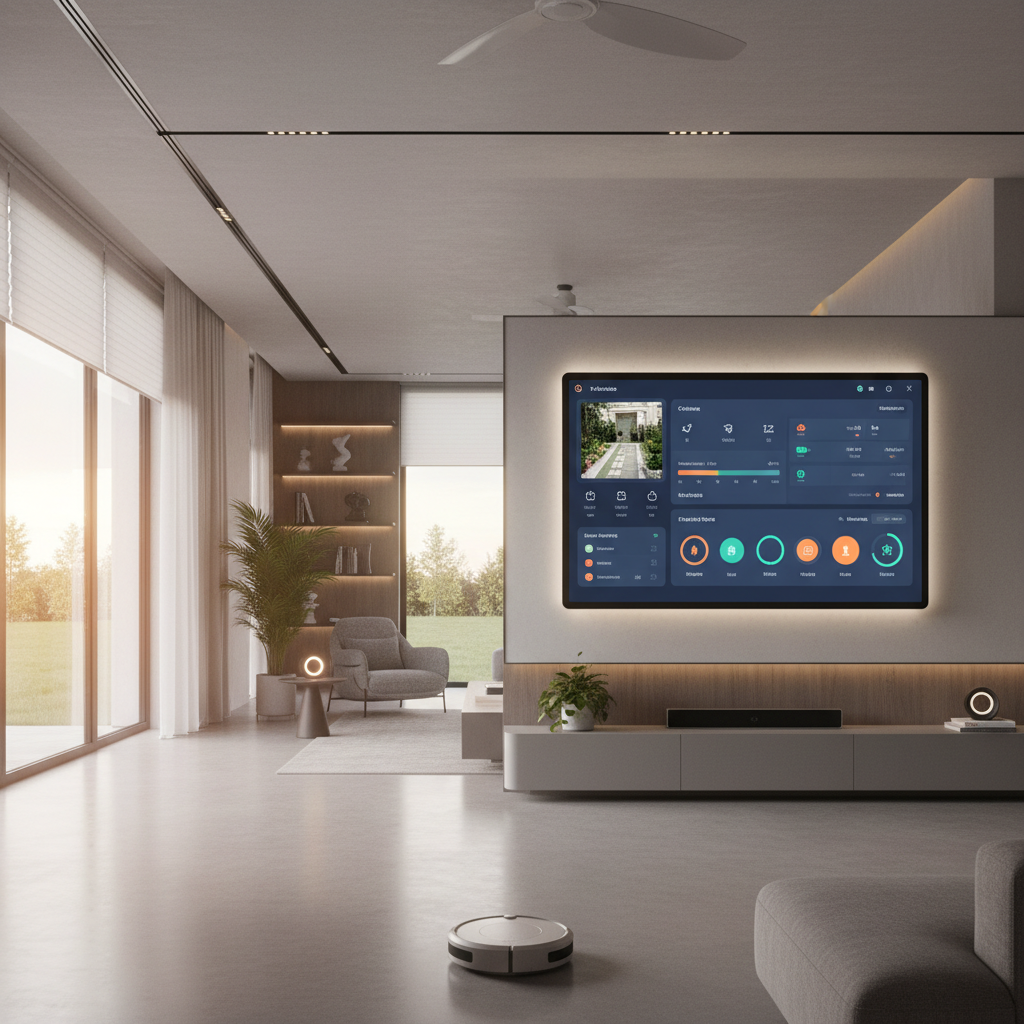
I've been in IT for about thirty years. I've built networks, deployed servers, and watched technology trends come and go. So when I retired and found myself with a golden retriever named Rudy and more free time than I knew what to do with, the obvious move was to turn my house into a Home Assistant instance with hundreds of entities and approximately zero WAF left in reserve.
The thing about Rudy — and I say this with complete affection — is that he is an escape artist disguised as a dog. He has figured out how to open interior doors. Not nudge them open if they're already ajar. Open them. Paw on the handle, push down, walk through like he owns the place — because honestly, he probably does. The deadbolt is the only thing between me and a golden retriever who has decided the kitchen is where he belongs at 2 AM.
So yes, I take smart home pet safety seriously. Not in a "here's a cute Nest camera above the dog bed" way. In a "I have a full Home Assistant setup, six cameras, three EG4 inverters, and a Volvo PHEV all talking to each other" way. Let me walk you through it.
Rudy's First Line of Defense: Door Sensors and the Deadbolt Problem
The basics of any golden retriever smart home setup start with knowing when doors are open. I have contact sensors on three doors: the back door, the front door, and the office door. (The garage is detached — it's its own island, and I treat it separately.)
The office door sensor matters specifically because of Rudy. If I'm working and the door swings open and I don't notice, Rudy will absolutely walk over, determine that whatever I'm doing is less important than he is, and sit directly on my keyboard. Home Assistant sends me a notification if that door opens unexpectedly while I'm in there with the do-not-disturb flag set.
The front and back door sensors tie into broader pet monitoring home assistant automations — if either door opens while I'm not home, I get an alert. Simple, reliable, and it doesn't require me to pay a monthly fee to some cloud service to tell me my own door is open.
What I don't have: window sensors. I looked into it. Rudy cannot yet open windows. I'm not ruling out that he'll figure it out eventually, but for now we're window-sensor-free.
Six Eyes on One Dog: The Camera Setup
When people talk about pet monitoring home assistant setups, they usually mention one or two cameras. I have six, because apparently I don't do things halfway.
Here's the full roster:
- Doorbell (
camera.front_door_fluent) — front door, motion alerts, person/vehicle/package detection - Garage camera — covers the detached garage and part of the side yard
- Front driveway camera — wide angle on the driveway and street
- Backyard camera — Rudy's primary outdoor domain; I can watch him run laps from the couch
- Bedroom side camera — side yard coverage, catches anything coming around the house
- Kitchen camera — because Rudy's relationship with the kitchen counter is... complicated
The kitchen camera in particular earns its keep. I can check in from anywhere and confirm whether Rudy is napping peacefully or whether he's engaged in some kind of counter reconnaissance mission. Home Assistant pulls motion events and, when something interesting happens, the AI vision integration does a quick analysis and logs it. I have a calendar.llm_vision_timeline with more Rudy-related entries than I'd like to admit.
When I'm out doing gig work — I drive for DoorDash and Uber Eats in the Tesla occasionally, nothing fancy, just something to get out of the house — I can pull up any of the six camera feeds on my phone and confirm that Rudy is where he's supposed to be, doing what he's supposed to do (sleeping, looking confused at nothing, or staring at a wall for no discernible reason).
Keeping Rudy Comfortable: Climate Control That Actually Works
Coastal Georgia summers are not a joke. Humidity so thick you could wear it. In that environment, making sure the house stays comfortable for a dog with a full coat of golden fur is genuinely important for smart home pet safety — not just comfort, but health.
I run a Carrier Infinity HVAC system with a Carrier smart thermostat. Home Assistant controls it through climate.main_zone_1. I want to be clear: it's not a Nest. It's not an Ecobee. It's a Carrier. I mention this because if I see one more article recommend a Nest for a house that already has perfectly good Carrier hardware, I'm going to build something to automate my disappointment.
Room-level temperature and humidity monitoring runs through a network of Bluetooth sensors picked up by ESPHome BLE proxies — device_tracker.ble_proxy_c3_* nodes placed in the Living Room, Office, Primary Bedroom, and Anna's Room. The sensors themselves report via sensor.*_temperature and sensor.*_humidity for every room in the house, including the attic.
The attic reading is worth mentioning: my network equipment lives up there in a well-insulated space. It rarely runs more than 10°F above the main living area. On a normal day in summer when the house is at 74°F, the attic might be sitting at 82-84°F. That's fine. I still monitor it because I am a retired IT guy and monitoring things is, at this point, a personality trait.
If any room temp spikes unexpectedly — HVAC isn't cooling properly, a vent gets blocked — I get an alert. Rudy doesn't know this is happening. He just knows that the house is always comfortable, and I'd like to keep it that way.
Leaving Rudy in the Car: Tesla Dog Mode and Augustus
Sometimes Rudy comes with me on errands. When that happens and I need to run into somewhere for five minutes, I use Tesla's Dog Mode in Augustus — that's my Tesla Model Y. Dog Mode keeps the cabin at a set temperature and puts a message on the screen for any concerned passerby: "My owner will be back soon. I'm comfortable."
What I actually use, though, is the live camera feed that Dog Mode puts on my iPhone lock screen. I don't even have to unlock my phone — I can glance down and see the cabin view, confirm Rudy is doing fine (he's usually sitting in the back seat looking mildly annoyed that I left), and carry on.
Dog Mode integrates cleanly with Home Assistant through the Tesla integration. I can check climate.augustus_hvac_climate_system to confirm the cabin climate is running, and the Augustus entity cluster (sensor.augustus_battery, binary_sensor.augustus_user_present, etc.) keeps me updated on the vehicle state throughout.
I also drive a Volvo XC60 PHEV named Eunice. She doesn't have Dog Mode — that's a Tesla-specific thing — so when I'm in Eunice, Rudy stays home. Home Assistant's got the house covered, and the cameras give me eyes on the place regardless.
The Power Behind All of This: Solar, Batteries, and Why I Don't Worry About Outages
Here's where it gets genuinely useful for solar battery pet care — and where I have to correct a misconception I've seen in other articles.
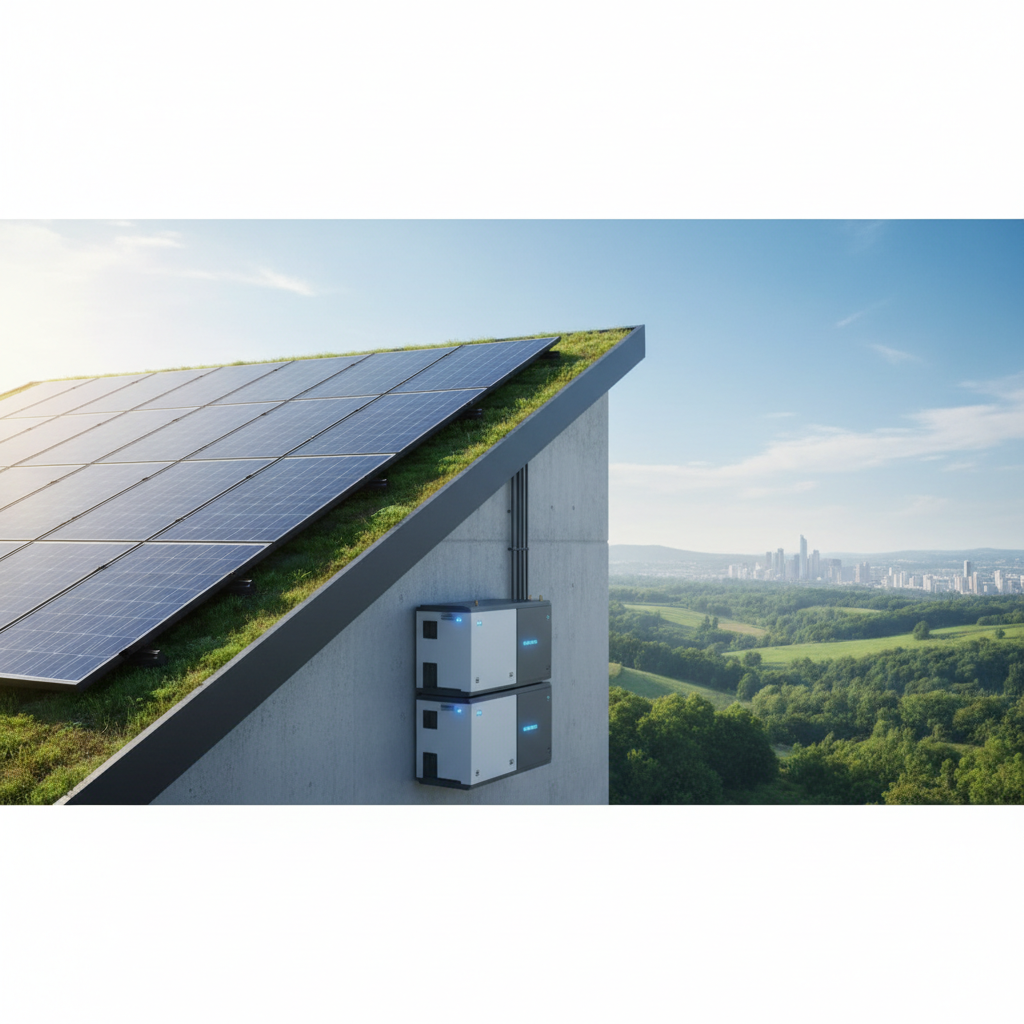
My system runs on 16.1 kW DC of solar panels feeding three EG4 6000XP inverters. Behind those inverters sits 99.44 kWh of battery storage — eleven ECO-LFP48100 packs. Home Assistant monitors the whole thing, including sensor.pv_power for live solar production and sensor.spartina_solar_battery_state_of_charge to track where the batteries are at any moment.
During normal operation, the system follows a time-of-use rate schedule. Super Off-Peak runs 10 PM to 6 AM at $0.06/kWh, Off-Peak from 6 AM to 4 PM at $0.11, and Peak from 4 PM to 8 PM at $0.21. The batteries charge cheap (overnight at $0.06) and discharge during Peak hours to avoid buying power at $0.21. The automation automation.spartina_smart_grid_charge_v2_2 handles the logic, and there's an AI charging decision automation that factors in weather forecasts to decide whether to lean harder on the grid or hold back and let the solar carry the load the next day.
Now — and I want to be explicit about this — when the grid goes down, none of that rate scheduling matters. The EG4 inverters detect the grid outage and the batteries begin discharging to keep the house running. There's no "Super Off-Peak mode" during an outage. The rates are a grid feature. No grid, no rates. The batteries just do their job: power the house. The HVAC keeps running. The cameras stay up. Rudy never knows anything happened.
Here on the Georgia coast, we get tropical weather. Storms roll through. Power goes out. The fact that I have roughly 100 kWh of storage means that even a multi-hour outage — sometimes a multi-day one — doesn't mean the house loses climate control or I lose visibility on what Rudy's doing. That's not a luxury for a dog owner with a 90-pound golden retriever who overheats easily. That's a real, practical safety consideration.
I've been through summer outages with this system running. The house doesn't even blink.
Charging Eunice and Augustus on the Cheap
Since I'm here and we're talking about the energy system anyway: both vehicles charge at home, and both benefit from the TOU scheduling.
Augustus (the Tesla) normally charges to 80% for battery longevity. If I've got a busy gig work day ahead or we're taking a longer trip, I bump it to 100% via number.augustus_charge_limit. The overnight charging automation (automation.charge_tesla_at_night) fires during Super Off-Peak hours — that $0.06/kWh rate makes a meaningful difference over time. During summer, if there's been good solar production during the day, the batteries might already have Augustus mostly charged by the time I go to bed.
Eunice charges to 100% every time — it's how the Volvo PHEV works, no configurable limit. Her 18.8 kWh pack is small enough that even at $0.11/kWh it doesn't add up to much, and during sunny days she's often running entirely on solar-charged power.
What I Don't Do (And Why)
A few things come up whenever I talk about this setup that I want to address directly.
I don't have an automated feeder for Rudy. I'm retired. I'm home. I feed him myself. There's no automation that dispenses kibble at 7 AM because there doesn't need to be. The whole point of retirement is that I'm here.
I don't have overnight remote monitoring for Rudy. I don't leave him alone overnight. He sleeps in the bedroom. The bedroom-side camera and the sensor.primary_bedroom_temperature give me data, but I'm physically present, which turns out to be a pretty effective monitoring strategy.
I don't have window sensors. Rudy can open doors. He has not yet developed the fine motor skills for windows. I'll revisit this if the situation changes.
The setup I've described isn't designed to replace being present — it's designed to make being away for a few hours less stressful, and to make being home smarter. There's a difference.
The Bottom Line
Golden retriever smart home setups don't have to be complicated toy collections. What I've built over the years is an integrated system where every piece earns its place: door sensors that tell me Rudy hasn't staged a jailbreak, six cameras with enough coverage that I can watch him in real time from anywhere, a climate system that keeps him comfortable regardless of what the Georgia summer is doing outside, Dog Mode in the Tesla when he rides along, and a solar-plus-battery infrastructure that keeps the whole thing running even when the power company has a bad day.
Rudy doesn't appreciate any of it. He just wants treats. But he's comfortable, safe, and monitored — and that's enough.